A setup state is not a failure
Modern controls carry modes meant for somewhere other than a home kitchen: a sales floor, a factory test bench, a household that keeps the Sabbath, a family with a toddler. Any of them can be switched on in the store, left on at the warehouse or pressed by accident while the protective film comes off. The appliance then does exactly what the mode tells it to, and that looks like a dead compressor or a cold oven.
Demo mode on a new appliance and the other setup states have two things in common. The display is alive, and the fix is a button sequence or a correction to the power supply, not a part. That is why the setup check comes before anyone orders anything, and why the words on the screen are worth writing down exactly as they appear.
Showroom and demo mode
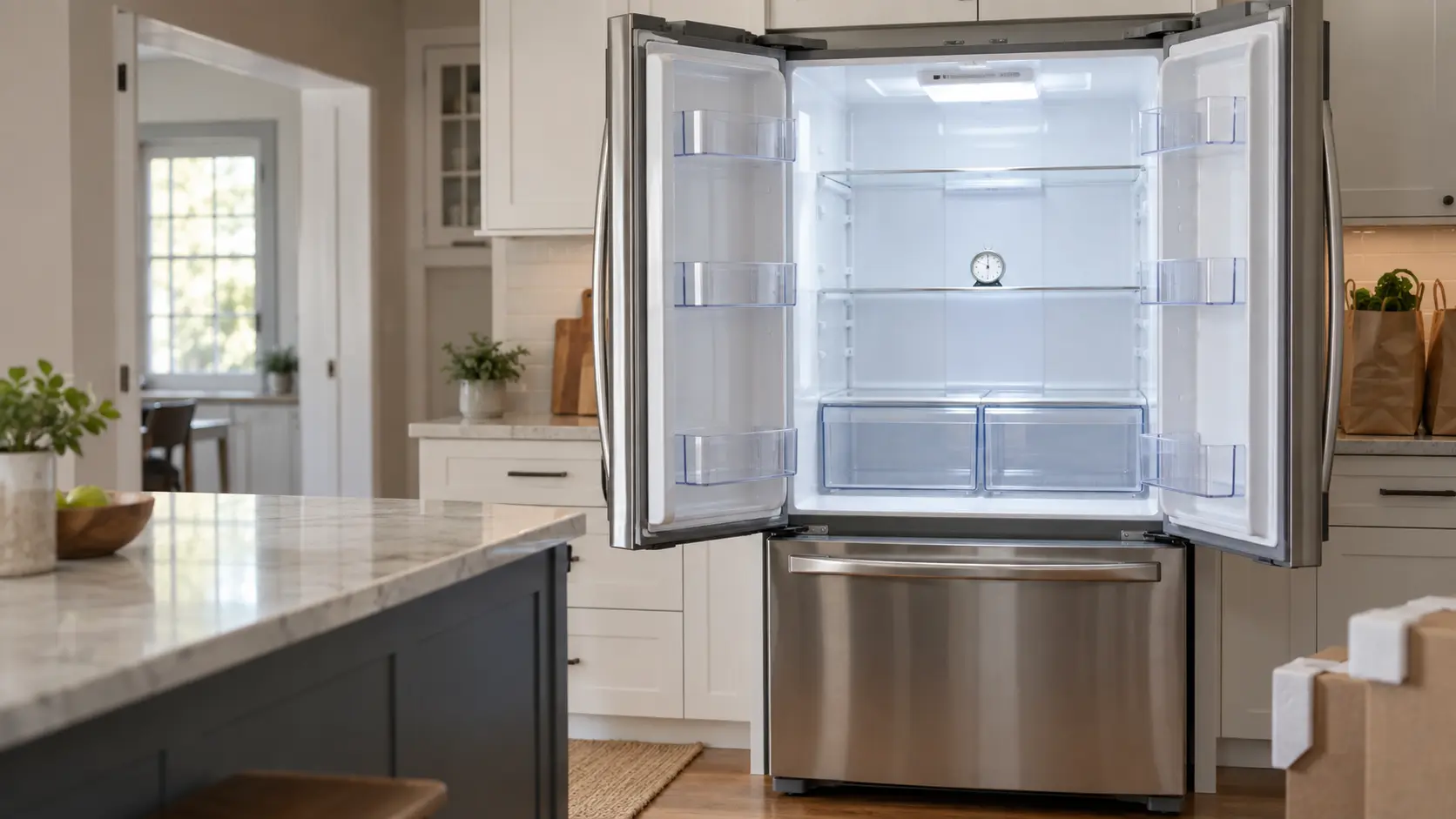
Whirlpool describes demo mode, which it also calls showroom mode, as a setting that powers the display and interior lights while cooling stays off, so retailers can show the controls without running the compressor. Its list of signs is worth keeping: the temperatures do not fall after several hours, changing the set point does nothing, the compressor is quiet or silent, and some models print Demo, Showroom or Shwrm. Getting out is typically a matter of pressing a specific pair of keys together for roughly three seconds, but the pair changes from one control panel to the next, and only the manual for your model number names it.
Cooking appliances have the same feature. Whirlpool says its demonstration setting is meant for a sales floor on a 120-volt connection and lets the controls be shown without the oven turning on; with it active, the oven will not work. On some models the display offers Try the Product, View Product Video or Showroom Mode after powering on, and the on-screen prompts lead out of it.
- Lights and display work, but no cooling or heating after several hours
- Set point changes are accepted and change nothing
- Little or no compressor or fan sound on cold storage
- A showroom word on the display at power-up
When demo mode is really a wiring sign
GE explains why an electric oven can be stuck in demo mode after installation. Its electric and dual fuel units run on a 240-volt supply but are designed to enter demo mode on 120 volts, which is how dealers power them on the floor, and they leave it automatically once wired to 240 volts. There is no setting on the panel to change. For a unit that will not leave demo mode at home, GE begins with half a minute of power off at the panel, both handles of a double breaker, then moves to the junction box or cord connection to see whether it was wired correctly. It says outright that the cause can be the installation.
Partial power means one leg of the supply is missing: a loose conductor at the terminal block, a breaker only half seated, or a cord matched to the wrong receptacle. Every one of those is live-wiring work.
Source: Whirlpool Product Help — Demo mode, bottom freezer refrigerator — Demo or showroom mode powers the display and lights while disabling cooling; temperatures do not drop, compressor quiet; some models show Demo, Showroom or Shwrm; exit steps vary by model, often a three-second two-button hold; Whirlpool Product Help — Demo mode, range — Intended for the sales floor on a 120 V connection; lets controls be demonstrated without the oven turning on; if active the oven will not work; Whirlpool Product Help — Nothing is working, electric unit — Demo mode may display Try the Product, View Product Video or Showroom Mode; F9 or F9 E0 after line noise or keys pressed within 10 seconds of power-up, breaker off one minute; Energy Save mode blanks the display; check strain relief, wire colors and terminal nuts after a new installation

Sabbath modes and control locks
With GE's Sabbath setting active, an oven hides its time, temperature and cooking function from the display, and the setting holds indefinitely until a person cancels it. After a power failure the oven returns to Sabbath mode but in the off state. On Frigidaire refrigerators the display reads Sb, and while it does, the interior lights, the dispenser and the keypad all ignore you; the warm-temperature alarm is the one thing left awake. A five-second hold on a documented pair of keys switches it off.
Locks are simpler and just as convincing. Electrolux front-load laundry machines show LOC when the control lock is on between cycles. Whirlpool's dish care lock disables every button while the door still opens, and the lock light flashes three times if a button is pressed. GE notes that on some ovens a child lockout is released by holding CLEAR/OFF for three seconds.
The clock that has to be set first
One more setup state catches people after delivery. GE says that on some models the oven functions will not work until the clock has been set, and that the display itself can be switched off from the options menu. A new oven with a light that works and a blank or flashing clock is asking for the time before anything else.
Source: GE Appliances — Range and wall oven Sabbath mode — Display does not show time, temperature or function until Sabbath mode is turned off; stays on until turned off; after a power failure returns to Sabbath mode in the off state; Frigidaire — Refrigerator error code SB SB, Sabbath mode — Display shows Sb; lights, dispenser and control panel do not work; high temp alarm remains active; turned off by holding two buttons for five seconds; Electrolux — Front-load washer error code LOC, control lock — LOC indicates the control lock is locking the controls between cycles; Whirlpool Product Help — Using the control lock, dishwasher — All buttons are disabled, the light flashes three times if pressed, the door still opens; GE Appliances — Oven has power but does not work — On some models oven functions do not work until the clock is set; child lockout released by holding CLEAR/OFF 3 seconds; display can be turned off
Messages from the first power-up
An installation involves switching the breaker off and on several times, and controls notice. Whirlpool explains that if its electric cooking control detects line noise as an incorrect voltage during an outage, or if keys are pressed within the ten seconds after power returns, it can show F9 or F9 E0. Whirlpool's fix: sixty seconds with the breaker down, then power back on and a further minute of watching with hands off the keypad.
A blank screen that is only asleep
Whirlpool also lists an Energy Save mode on some models that leaves the display blank when the unit is idle, which can pass for a dead appliance on day one. The same page asks owners of newly installed units to confirm the strain relief, the terminal wire colors and the terminal nuts before anything else.
Source: Whirlpool Product Help — Nothing is working, electric unit — Demo mode may display Try the Product, View Product Video or Showroom Mode; F9 or F9 E0 after line noise or keys pressed within 10 seconds of power-up, breaker off one minute; Energy Save mode blanks the display; check strain relief, wire colors and terminal nuts after a new installation
Clearing a setup state in the right order
Work from the gentlest step to the most involved, and stop at the first one that changes the display. Resetting power over and over, or pressing every button in turn, can stack one mode on top of another and hide what the screen first said.
- Write down the exact word or code on the display
- Look it up in the control guide or owner's manual for the exact model
- Try the documented exit: a button hold, a menu setting or setting the clock
- One power reset at the breaker, for the time the maker gives
- If the state returns or never clears, have the supply and the connection checked