
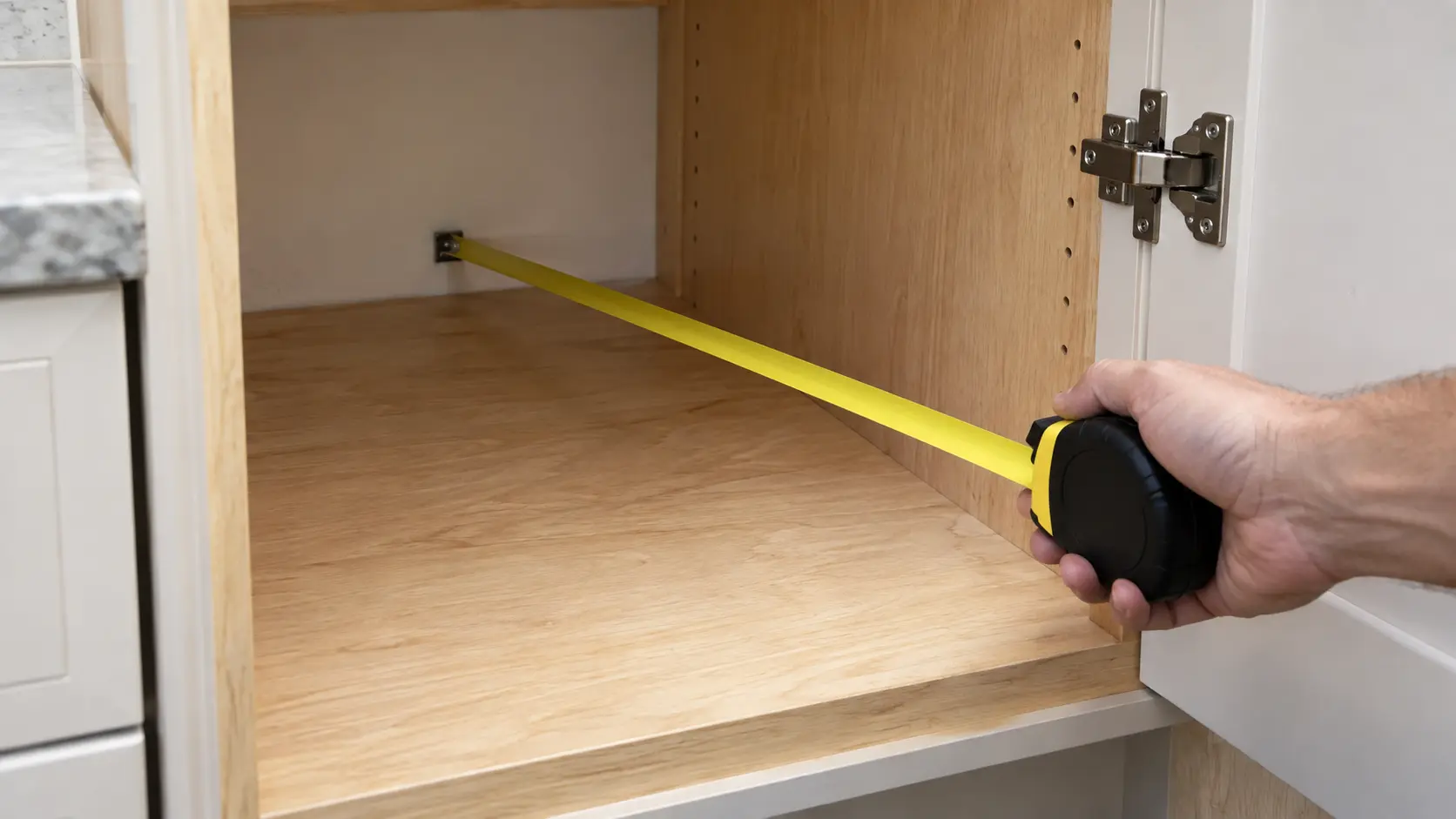

Measure first, then read the first week
First checks and setup codes
guides.
What an owner can check before the order and after the install: the opening and the path in, the first days of a new appliance, and the demo modes and setup messages a display shows at first power-on.
Mon–Sat, 8am–8pm
- Three guides
- Read before you book
- Says where to stop
Book a visit
Three short steps, about a minute.
or call (844) 638-8309
Loading appointment form…
The appointment form couldn’t load. Please try again.
First checks and setup codes,
guide by guide.
These guides are the checks a homeowner can make around an installation without tools beyond a tape measure, a thermometer and a phone camera. Some happen before anything is ordered, some on delivery day and some over the week that follows, and together they catch most of what a site visit would otherwise find.
All 18 guides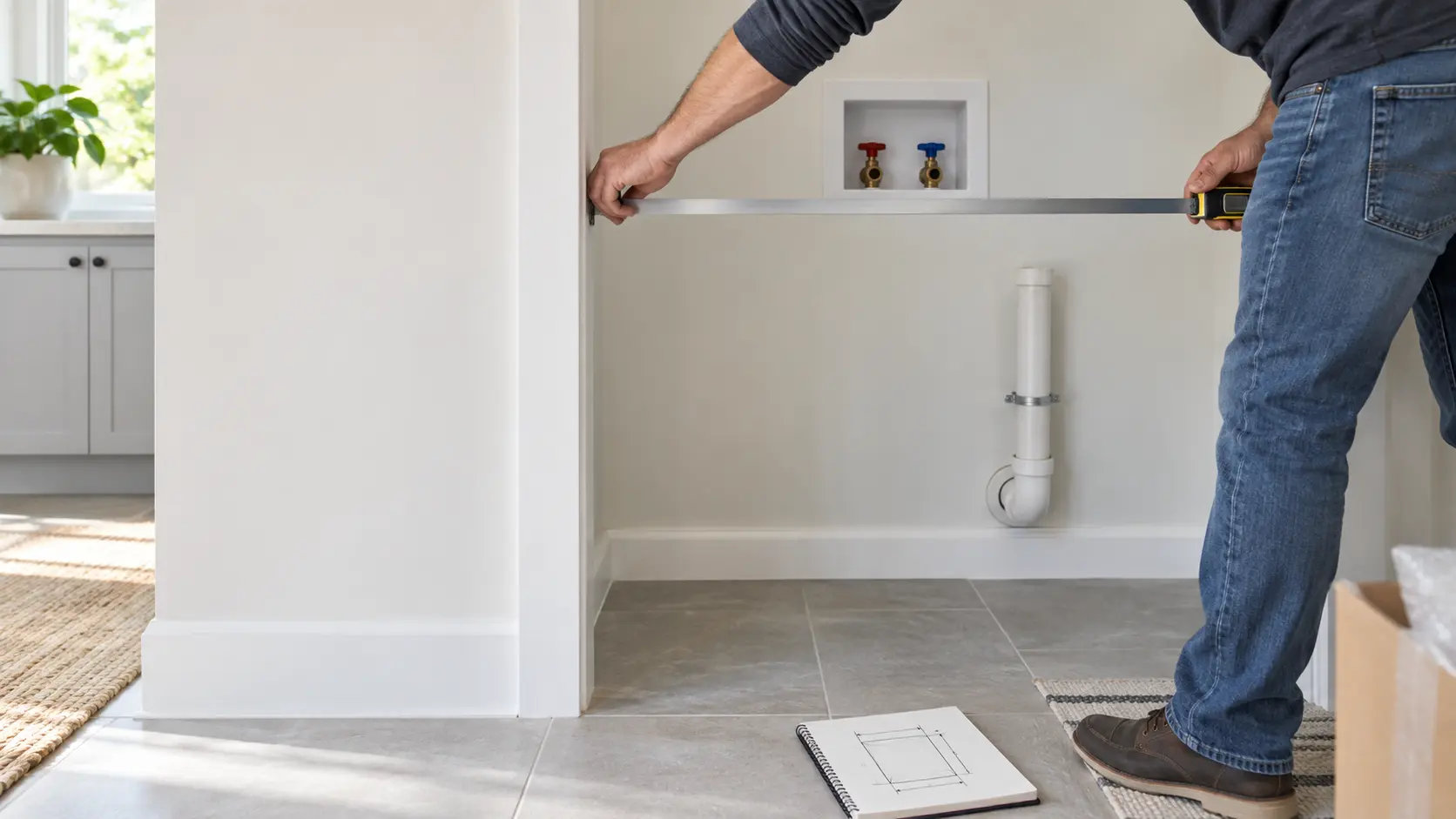

Measure first, then read the first week.
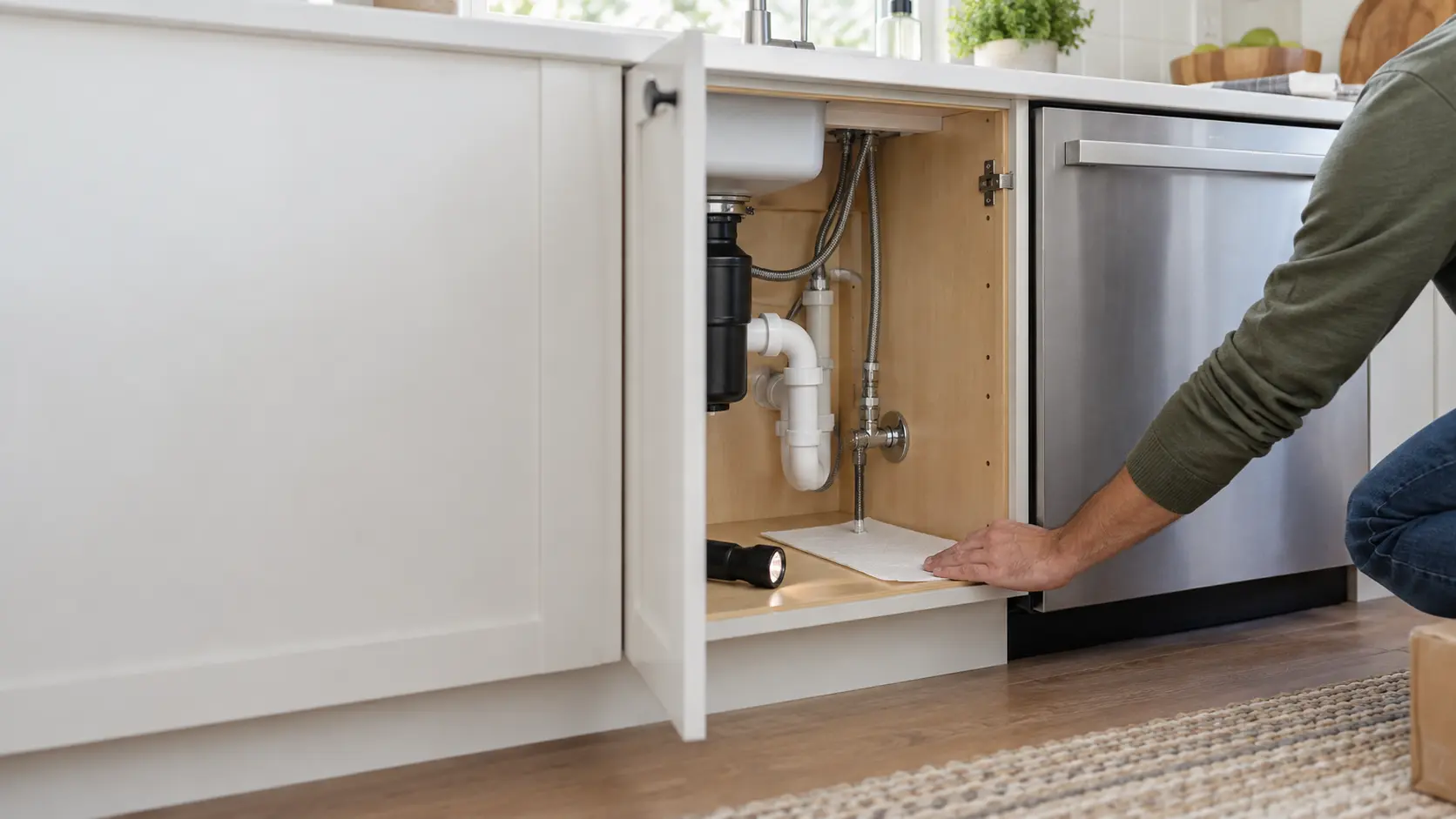
Before the order, the questions are about space and supply: the real size of the opening, the room each door and drawer needs to swing, the type of receptacle on the wall, where the gas and water shutoffs sit. After the install, they are about behavior: temperatures read on a thermometer rather than a display, the color of a gas flame, a water joint after its first heat cycles, and a screen that lights up while nothing heats or cools.
The guides lean on the makers' installation instructions and support pages, since those are the documents that define what correct looks like for a given model. Where the answer changes from model to model, the guide sends you to that model's manual instead of inventing a key combination.
They also mark the edge of owner territory clearly. Reading a display, measuring an opening and laying paper towel under a joint are owner jobs. Opening a gas fitting, a refrigerant line, a terminal block or a live panel is not, and every guide in this section stops at that line.
Not sure where to start?The short answerMeasure before you order: the opening, the swing and the hookups
To measure for a new appliance, record the opening rather than the old unit, add the maker's clearances to the cabinet size, check the swing of doors and drawers and the depth with the door open, and note every connection by type and position.
The short answerThe first week after installation: what to check, and on which day
The first week after installation is when a connection that was nearly right shows itself.
The short answerSetup codes and demo mode on a new appliance: when the display is the whole story
Demo mode on a new appliance powers the display and lights while cooling or heating stays off; stores use it on the sales floor.
When reading
is not enough.
If the checks in these guides did not settle it, the visit picks up from there, stop by stop.
What installations cost- 01The opening and the hookups, checked first
- 02Connected the way the instructions say
- 03Set in, leveled and secured
- 04A first run with you there
The problems
these answer.
Each has a page of its own, with the causes in the order worth checking.
All 17 problems
Unit Too Big for the Opening: Cutout, Depth and the Delivery Path
6 causes, cheapest first
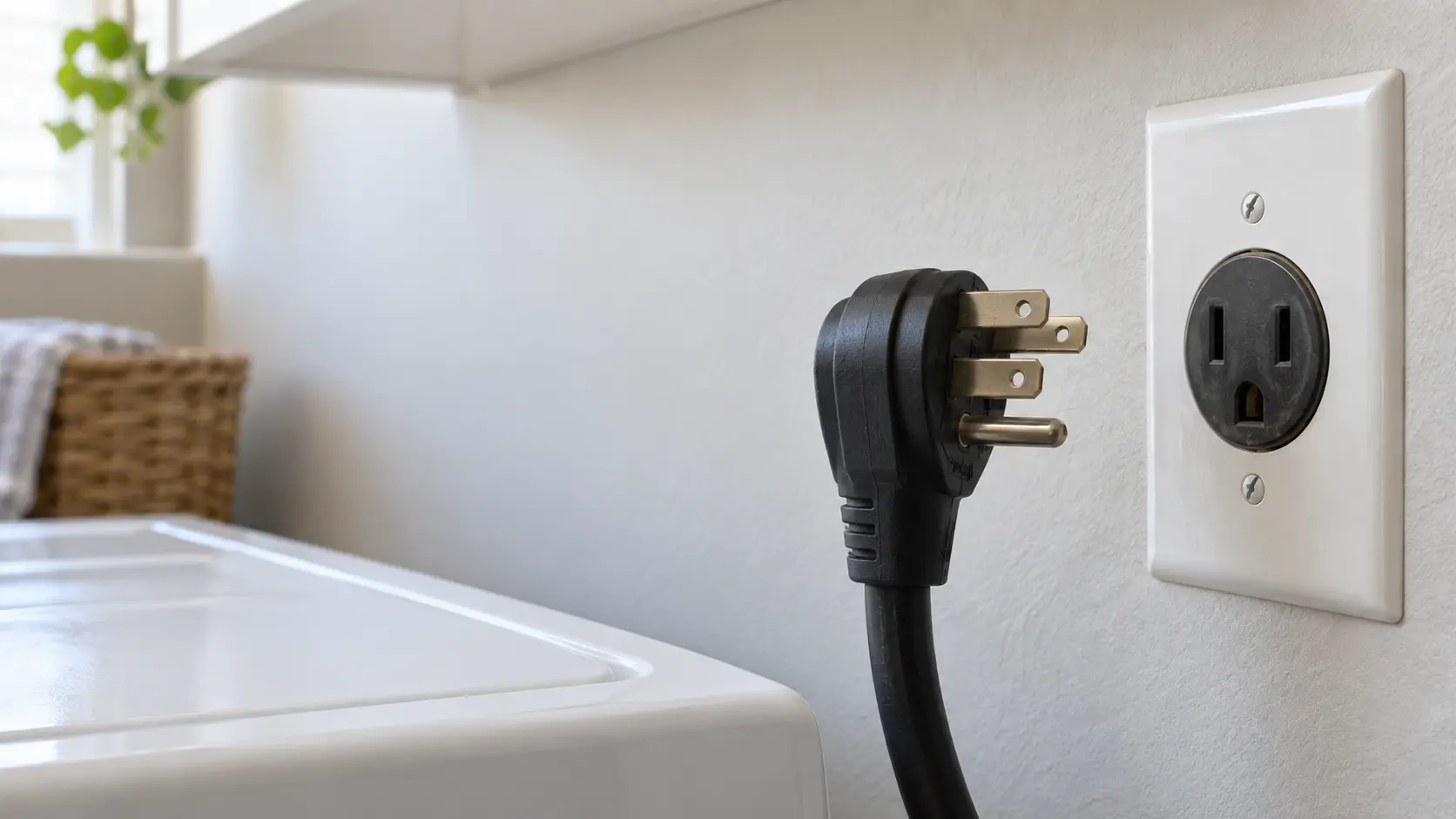
Plug Does Not Fit the Outlet: Cords, Receptacles and Circuits
6 causes, cheapest first

Door Not Closing Flush After the Install
6 causes, cheapest first
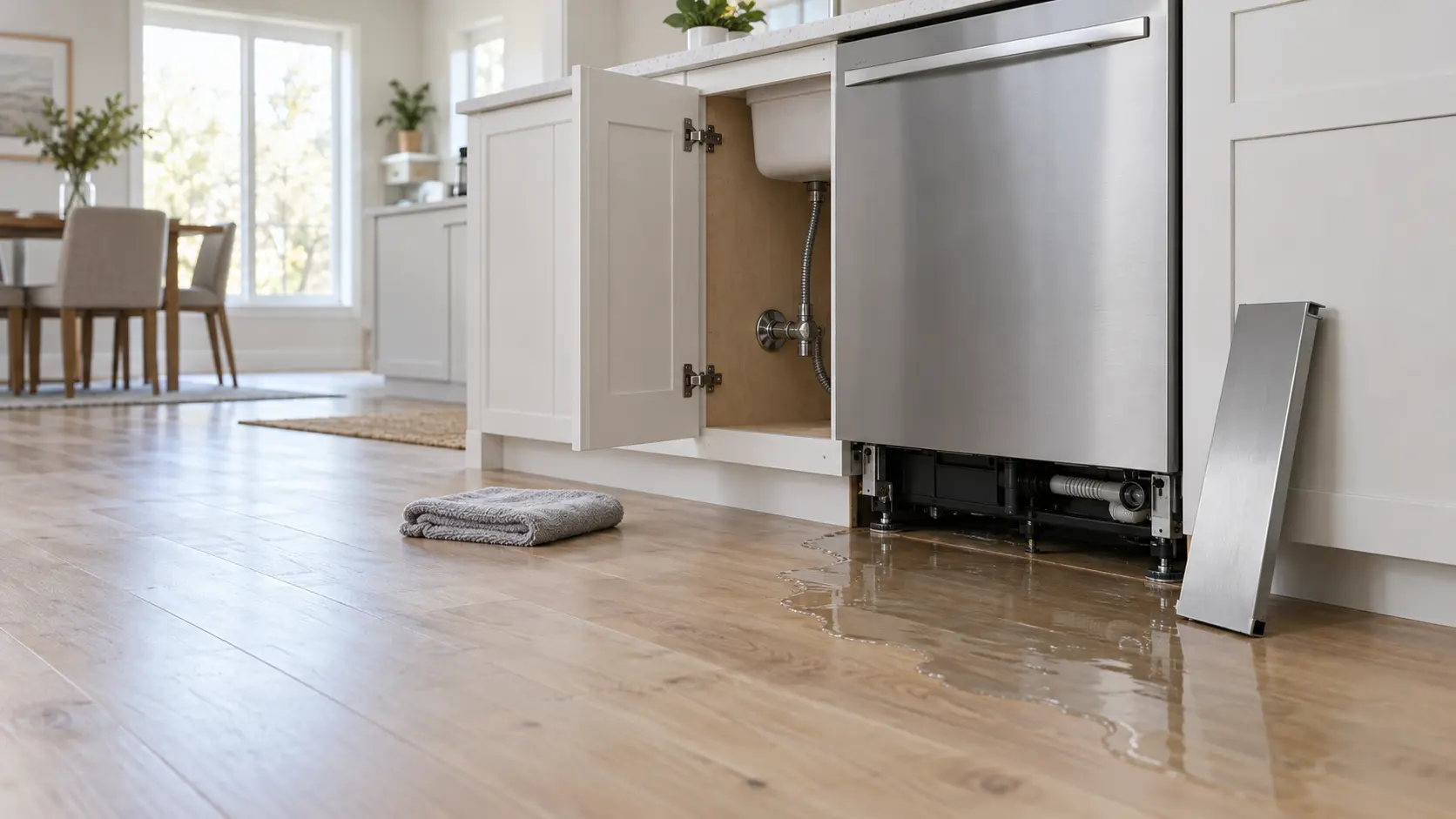
Water Leak After an Install: Close the Supply Valve First
6 causes, cheapest first

Questions about
first checks and setup codes.
What should I have ready before troubleshooting an install?
The display works but nothing heats or cools. Is it broken?
How long should I watch a new installation?
When does troubleshooting become a visit?
The other
sections.
Split by what you are trying to find out rather than by which part of the appliance it concerns.
All guides
When a new install goes wrong

After the install
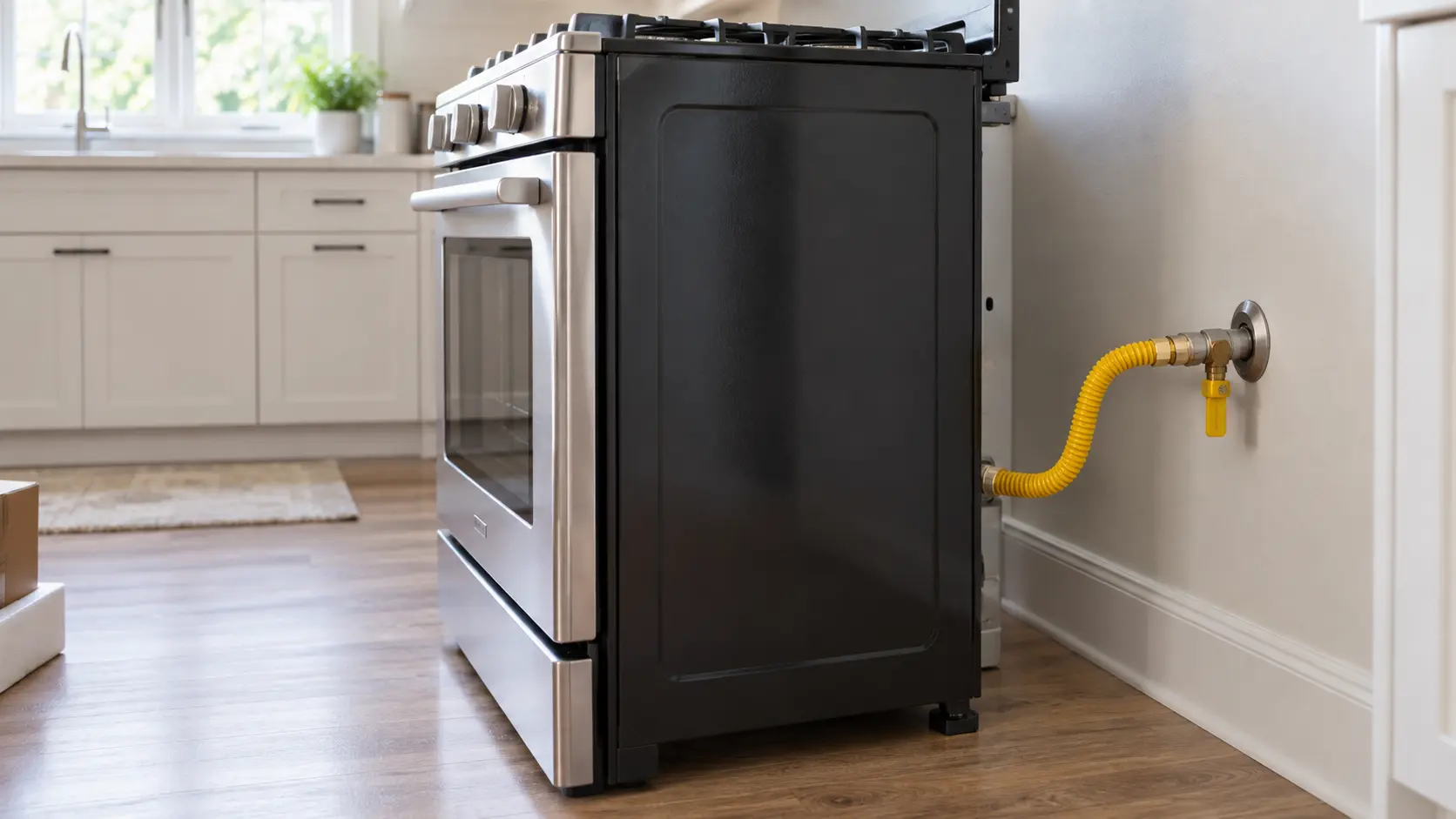
Gas, power and water at the install
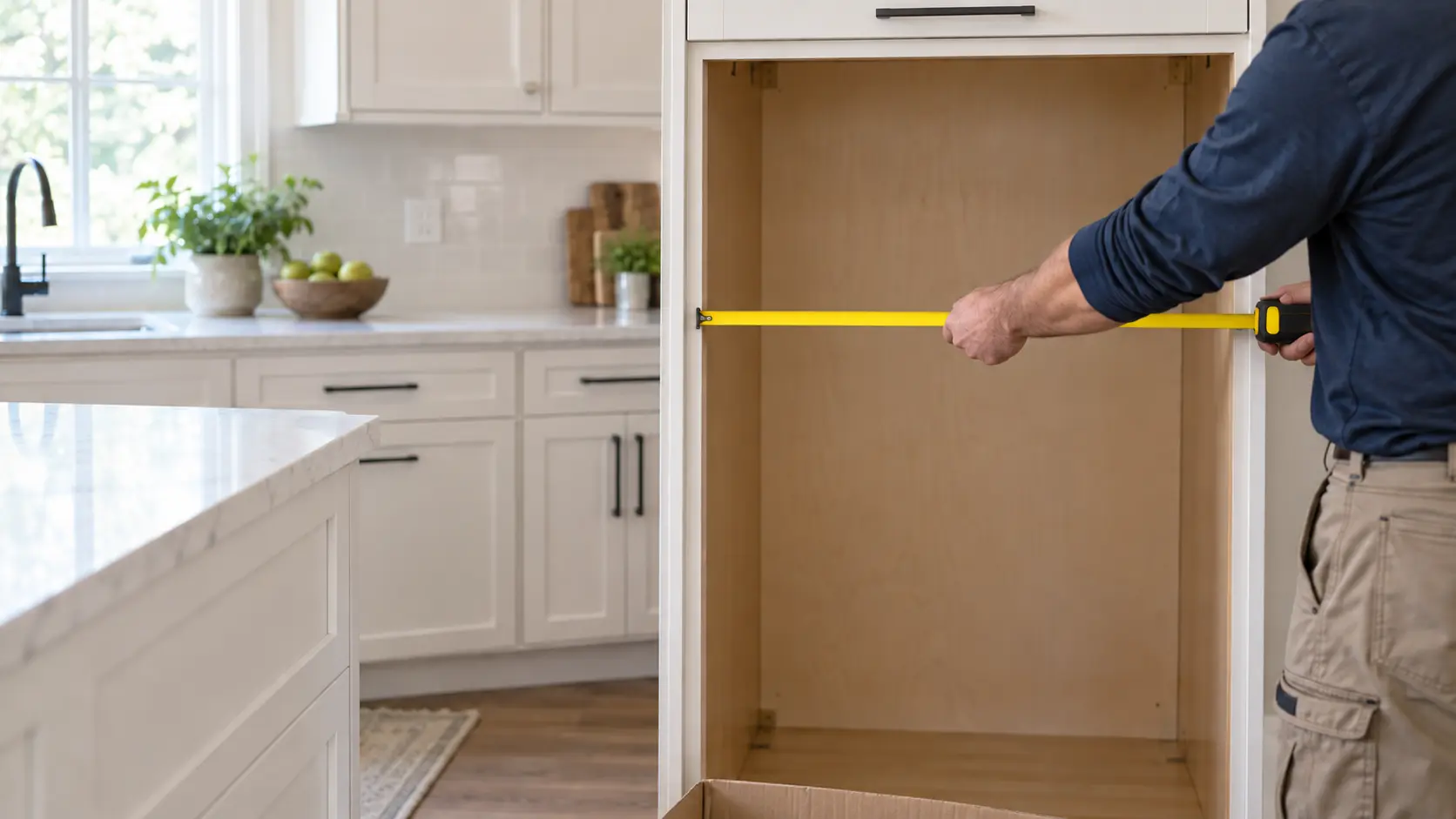
Get the space ready
Start from your question
The four questions most visits start with, each with the guide that answers it.
18 guidesWhere to start Where to startBack to your everyday
Let’s get your appliance working again.
Three short steps online, or one call. Tell us what you are seeing and pick a window that works.