
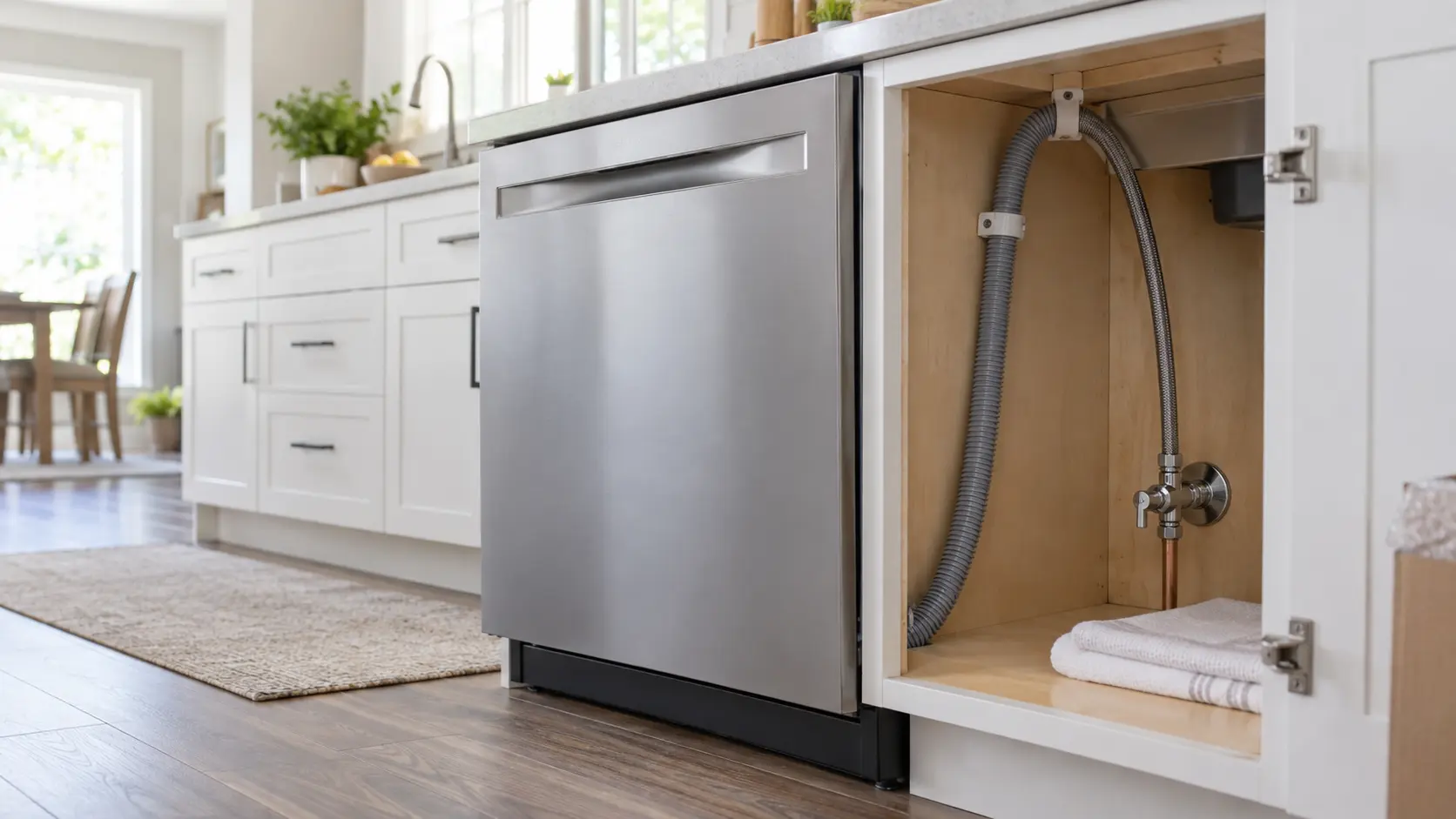

GE H2O — low water reaching a new dish care machine
GE's own support material ties an H2O display to a low-water situation, and specifically tells the owner to check that the inlet water hose is not kinked when it appears during a normal wash cycle.
Mon–Sat, 8am–8pm
- Water supply and drain
- Water supply and shutoff connection
- Source: GE
Book a visit
Three short steps, about a minute.
or call (844) 638-8309
Loading appointment form…
The appointment form couldn’t load. Please try again.
What H2O
actually means.
GE's own support material ties an H2O display to a low-water situation, and specifically tells the owner to check that the inlet water hose is not kinked when it appears during a normal wash cycle.
GE appliance display
What to do when H2O shows on the applianceKind of codeWater supply and drain
The new appliance is reporting what it gets from the water connections behind it. A no-water or slow-fill message on the first fill usually means the supply valve is still closed or only half open, or the new line kinked when the unit slid back; a drain message means the drain hose is pinched, pushed too deep into the standpipe, or looped higher or lower than the installation instructions allow. Open the valve fully, straighten the hose, set it to the height the manual gives, and run the cycle again.
Usually leads toWater supply and shutoff connection
New supply lines from a working quarter-turn stop to each water appliance, tested under pressure.
Shows up asDrain Backing Up After an Install: Plug, Loop and Standpipe
A drain backing up after an install leaves water standing in a new machine, pushes it into the sink or spills it over the top of the standpipe.
MakeGE
GE installs are the everyday ones: a refrigerator onto its water line, a range onto gas or a 240-volt outlet, a dishwasher under the counter, a laundry pair.
SourceGE Appliances support — Dishwasher Error and Function Codes
GE documents this message on its standard dishwasher control platform used across several GE-brand dish care models.
Before you book,
in this order.
Each step comes from GE's own guidance for H2O on its appliances. Follow it to the end: the last card says whether this is a visit.
Check that the water supply valve behind the unit is fully open.
Trace the inlet hose for a kink or a sharp bend left over from sliding the unit into its opening.
Run a short cycle to confirm water reaches the tub once the hose is straightened.
If H2O only appears on a specific cycle and the hose is clear, book a visit rather than continuing to run that cycle.
Still there?
It usually turns into water supply and shutoff connection. Book with the code and the model number.
What not to do
H2O does not by itself mean the water inlet valve has failed. GE's own instruction is to rule out a kinked hose and a closed valve first, since both are finished during installation and neither needs a part.
What you may
notice with it.
The appliance problems H2O tends to arrive with. Answer these at the appliance before anyone is booked.
All problems
Where H2O usually leads
Water supply and shutoff connection.
GE
appliances.
GE installs are the everyday ones: a refrigerator onto its water line, a range onto gas or a 240-volt outlet, a dishwasher under the counter, a laundry pair.
GE appliance installationMore GE codes
Water supply and drain on other makes
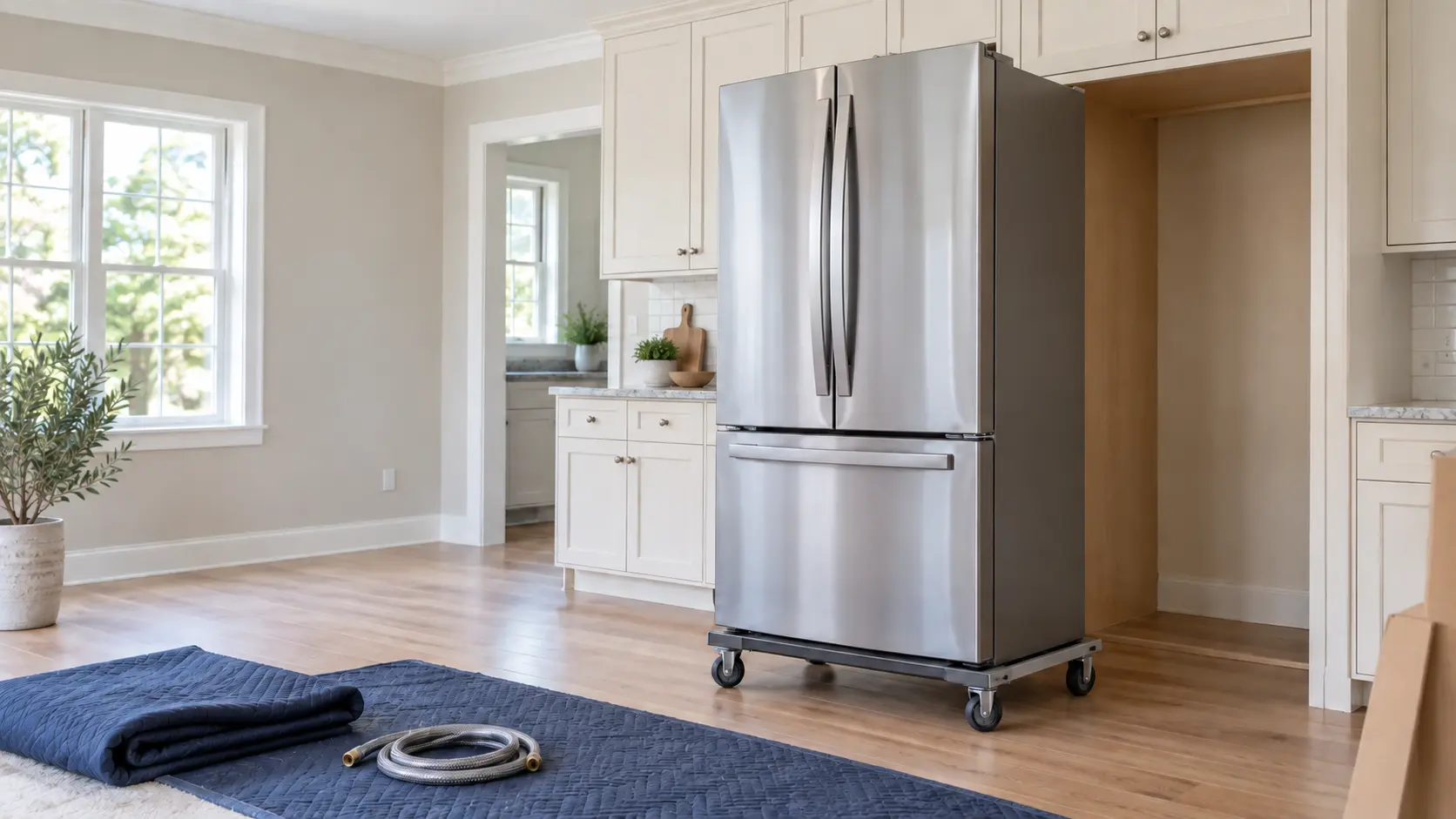
Cold storage
Setting a new refrigerator, freezer, wine or beverage unit or ice maker into its opening: measured, connected to water, leveled and started.
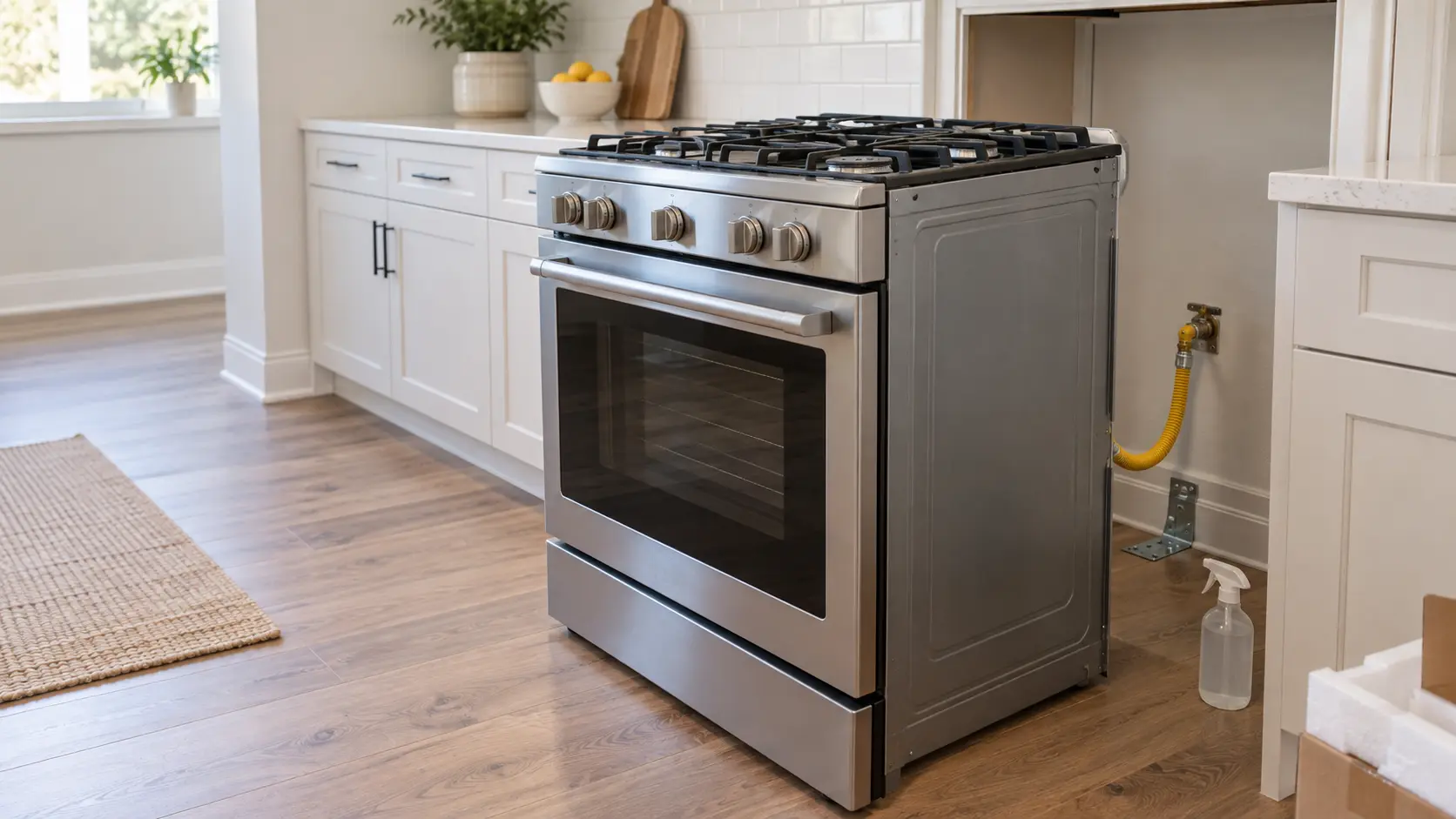
Cooking appliances
Hooking up ranges, cooktops, wall ovens, microwaves and hoods: gas connectors leak-tested, anti-tip brackets fastened, ducts sized and the first light checked.
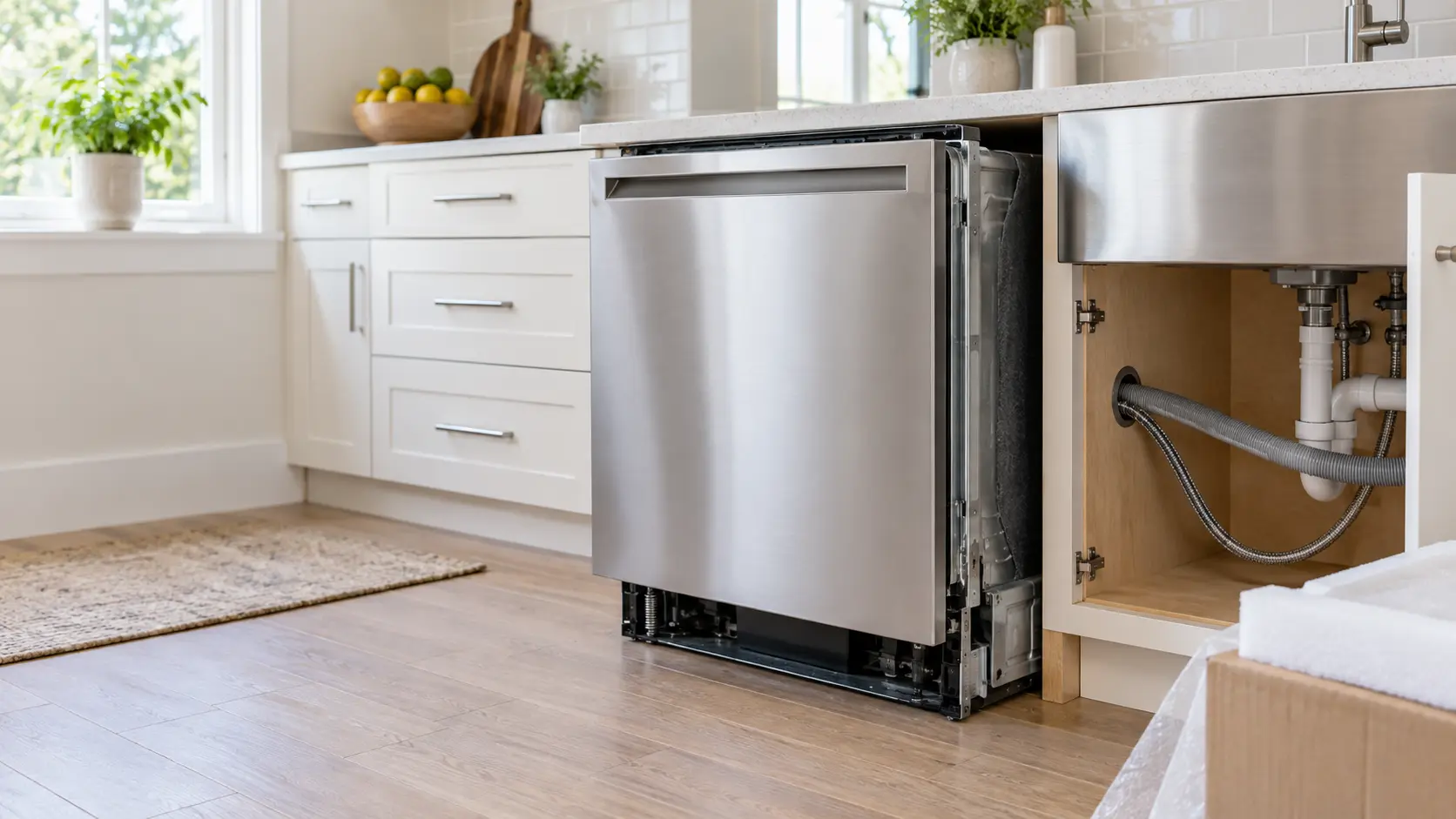
Dish care
Fitting a new dishwasher or dish drawer under the counter: supply line, drain loop or air gap, power, mounting brackets and a first test cycle.
In GE's own words
If H2O appears during other wash cycles (AutoSense, Heavy, Normal or Light), then double-check that the inlet water hose is not kinked.
Every code on this site is taken from the manufacturer's documentation, never from a forum or a parts listing. GE documents this message on its standard dishwasher control platform used across several GE-brand dish care models.
GE H2O appliance installation,
where we come out.
The same visit in every metro below: the code, the model number, and a diagnosis before any part is ordered.
All service areasTampa BayFL · 31 areas
Miami / South FloridaFL · 47 areas
New York MetroNY · 75 areas
HoustonTX · 36 areas
ChicagoIL · 50 areas
Los AngelesCA · 95 areas
San DiegoCA · 31 areas

Questions
about H2O.
Can I clear H2O myself?
Why does a brand-new dish care machine show H2O on its very first cycle?
Does H2O mean the water pressure in the house is too low?
If H2O clears after straightening the hose, does it need to be checked again later?
Back to your everyday
Still showing H2O?
A booking moves faster with three things: the message exactly as the display shows it, the model number from the carton or the rating plate, and the moment it first appeared. With those, the office can tell whether it is a setup step or a connection to put right, and send the part that fixes it.