
JennAir wine-storage column Demo Mode: a password-gated showroom setting
JennAir’s wine-storage column carries a Demo Mode reached through the control’s settings menu, and exiting it back to normal operation requires entering a password before selecting ON.
Mon–Sat, 8am–8pm
- Setup modes, not failures
- No installation needed
- Source: JennAir
Book a visit
Three short steps, about a minute.
or call (844) 638-8309
Loading appointment form…
The appointment form couldn’t load. Please try again.
What DEMO MODE
actually means.
JennAir’s wine-storage column carries a Demo Mode reached through the control’s settings menu, and exiting it back to normal operation requires entering a password before selecting ON.
JennAir appliance display · also shown as Demo Mode
What to do when DEMO MODE shows on the applianceKind of codeSetup modes, not failures
Nothing is wrong with the new appliance; it has come out of the carton in a state the store or the factory left it in. A showroom or demo mode lights the display and the fans while the unit never cools or heats, a Sabbath setting holds the oven light and hides the controls, a control or shipping lock refuses every key, and some laundry and dish care machines ask for a first calibration cycle before normal use. The manual gives the key sequence that turns each one off; once it is off, the appliance runs as it should.
Usually leads toNo installation
Open the column’s settings menu and locate the Demo Mode entry rather than assuming a cooling failure.
Shows up asAppliance Installation Code on a New Unit: Setup Modes and Hookup Messages
An appliance installation code is a message a new unit shows because of how it was set up: a demo mode, a water or drain alert, a vent warning or a power check.
MakeJennAir
JennAir installs are built-in kitchens: panel-ready cold storage columns, wall ovens, ranges, downdraft or hood ventilation and dishwashers.
SourceJennAir support: Demo Mode, Wine Cellar Column
Confirmed on JennAir’s column wine-cellar support page; the password-gated exit is specific to this product line rather than JennAir’s range and oven demo setting.
Before you book,
in this order.
Each step comes from JennAir's own guidance for DEMO MODE on its appliances. Follow it to the end: the last card says whether this is a visit.
Open the column’s settings menu and locate the Demo Mode entry rather than assuming a cooling failure.
Enter the documented password when prompted, since JennAir gates the exit behind it.
Select the ON icon to return the column to its normal operating mode.
Confirm the column is cooling and holding its set temperature after exiting; if the password step will not proceed, book a visit.
Cleared?
The message has gone from the display, the setting or connection behind it has been corrected, and the new appliance finishes a full first cycle without raising it again. A setup code that comes straight back after the hookup has been checked points to something the install missed, such as a kinked hose or a harness left unplugged, so note it when you book.
What not to do
Demo Mode is a deliberate showroom setting behind a password, not a stuck control board or a failed compressor. A column confirmed out of Demo Mode that still won’t cool is a different problem.
What you may
notice with it.
The appliance problem DEMO MODE tends to arrive with. Answer these at the appliance before anyone is booked.
All problems
No installation indicated
Nothing to install.
Nothing is wrong with the new appliance; it has come out of the carton in a state the store or the factory left it in. A showroom or demo mode lights the display and the fans while the unit never cools or heats, a Sabbath setting holds the oven light and hides the controls, a control or shipping lock refuses every key, and some laundry and dish care machines ask for a first calibration cycle before normal use. The manual gives the key sequence that turns each one off; once it is off, the appliance runs as it should.
JennAir
appliances.
JennAir installs are built-in kitchens: panel-ready cold storage columns, wall ovens, ranges, downdraft or hood ventilation and dishwashers.
JennAir appliance installation
Cold storage
Setting a new refrigerator, freezer, wine or beverage unit or ice maker into its opening: measured, connected to water, leveled and started.
Cooking appliances
Hooking up ranges, cooktops, wall ovens, microwaves and hoods: gas connectors leak-tested, anti-tip brackets fastened, ducts sized and the first light checked.
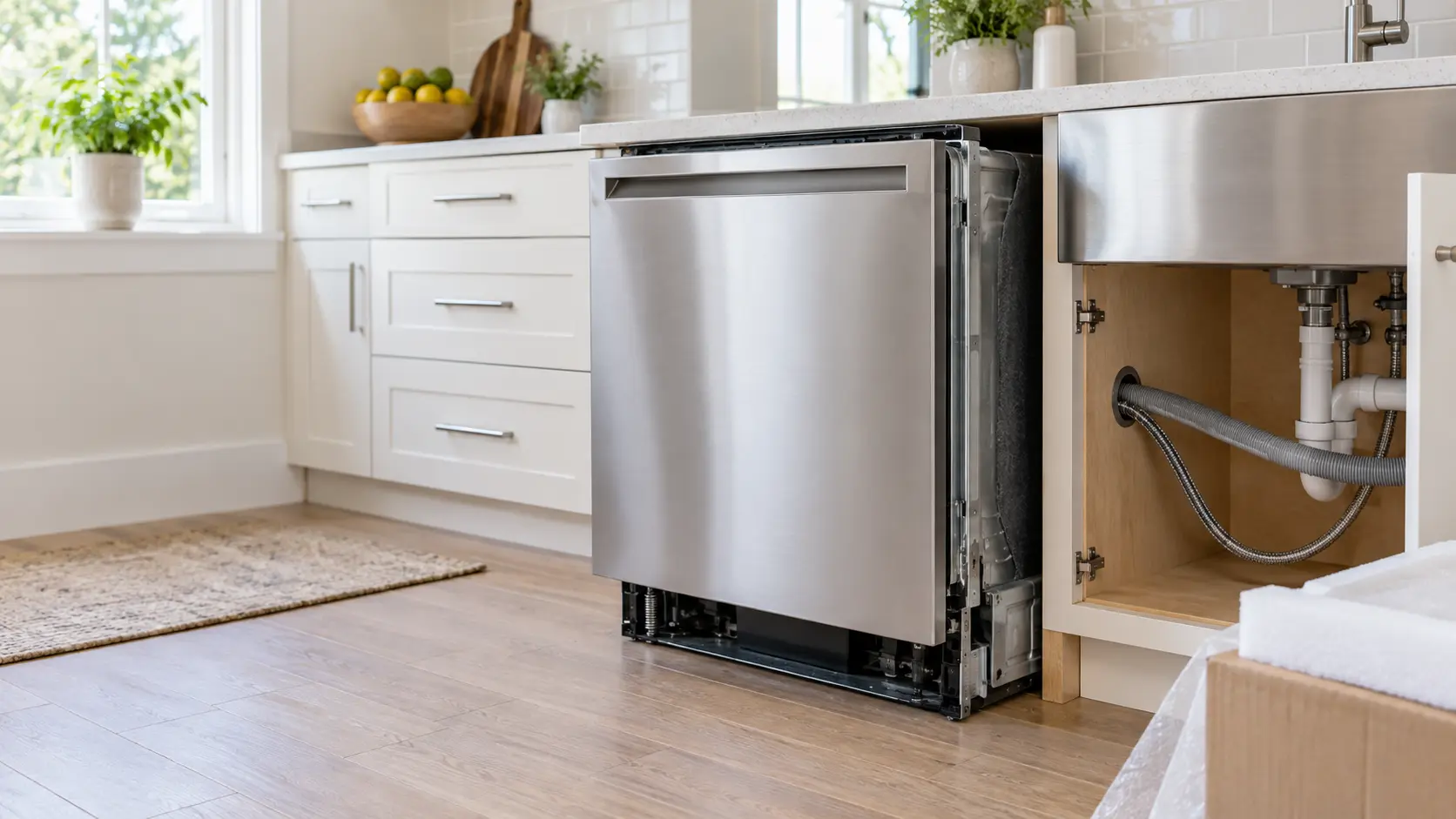
Dish care
Fitting a new dishwasher or dish drawer under the counter: supply line, drain loop or air gap, power, mounting brackets and a first test cycle.
In JennAir's own words
Touch the ON or the OFF icon
Every code on this site is taken from the manufacturer's documentation, never from a forum or a parts listing. Confirmed on JennAir’s column wine-cellar support page; the password-gated exit is specific to this product line rather than JennAir’s range and oven demo setting.
JennAir DEMO MODE appliance installation,
where we come out.
The same visit in every metro below: the code, the model number, and a diagnosis before any part is ordered.
All service areasTampa BayFL · 31 areas
Miami / South FloridaFL · 47 areas
New York MetroNY · 75 areas
HoustonTX · 36 areas
ChicagoIL · 50 areas
Los AngelesCA · 95 areas
San DiegoCA · 31 areas

Questions
about DEMO MODE.
Can I clear DEMO MODE myself?
Why won’t my newly installed JennAir wine storage column cool down?
What password does a JennAir wine storage column need to leave Demo Mode?
Is Demo Mode the reason a new JennAir wine column’s lights and display work but it stays warm?
Back to your everyday
Still showing DEMO MODE?
A booking moves faster with three things: the message exactly as the display shows it, the model number from the carton or the rating plate, and the moment it first appeared. With those, the office can tell whether it is a setup step or a connection to put right, and send the part that fixes it.